Portfolio

Mike Victorick

Learning Experience Designer

I build training, LMS courses, and AI-assisted workflows for people who have to use them the next day.

Portrait of Mike Victorick in a white collared shirt, with glasses and a beard, shifting between a neutral look, a smile, a shout and a raised eyebrow.

Summary

Eight years of designing training in schools

I have spent more than eight years in K-12 education as an instructional designer, building training, LMS courses, and the systems that help colleagues put new technology to use. Most recently I have worked on AI: teaching it to adults, and designing instruction that other teachers now run without me.

I am moving into corporate learning and customer enablement. The three case studies below come from school settings and are described that way.

Case studies

Three projects, written up like client work

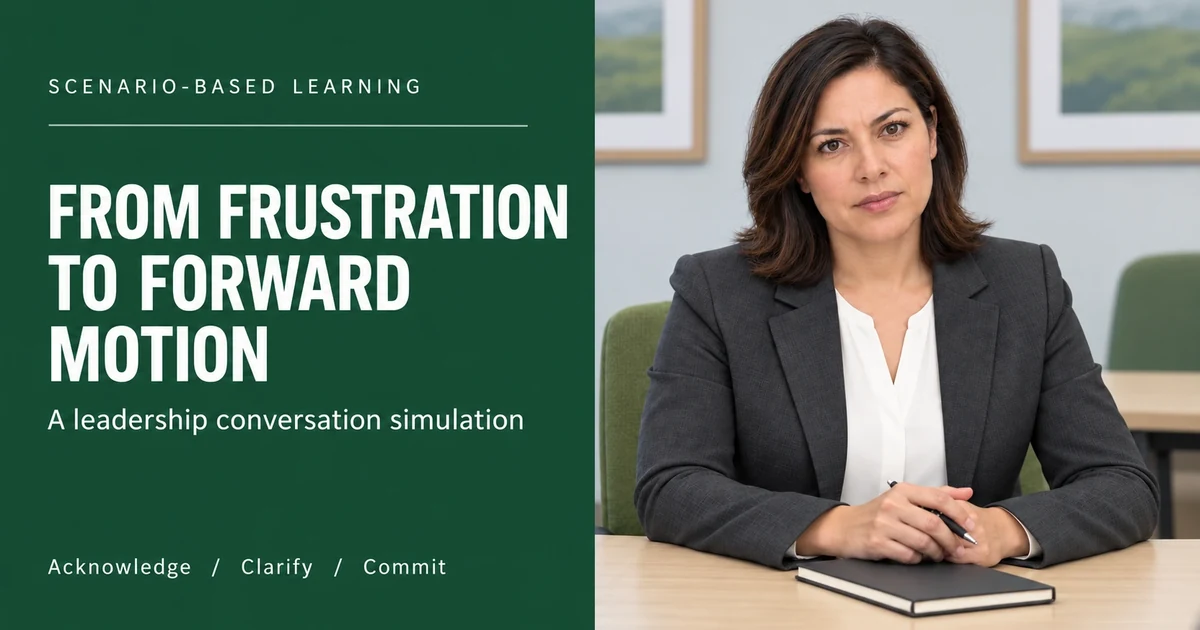
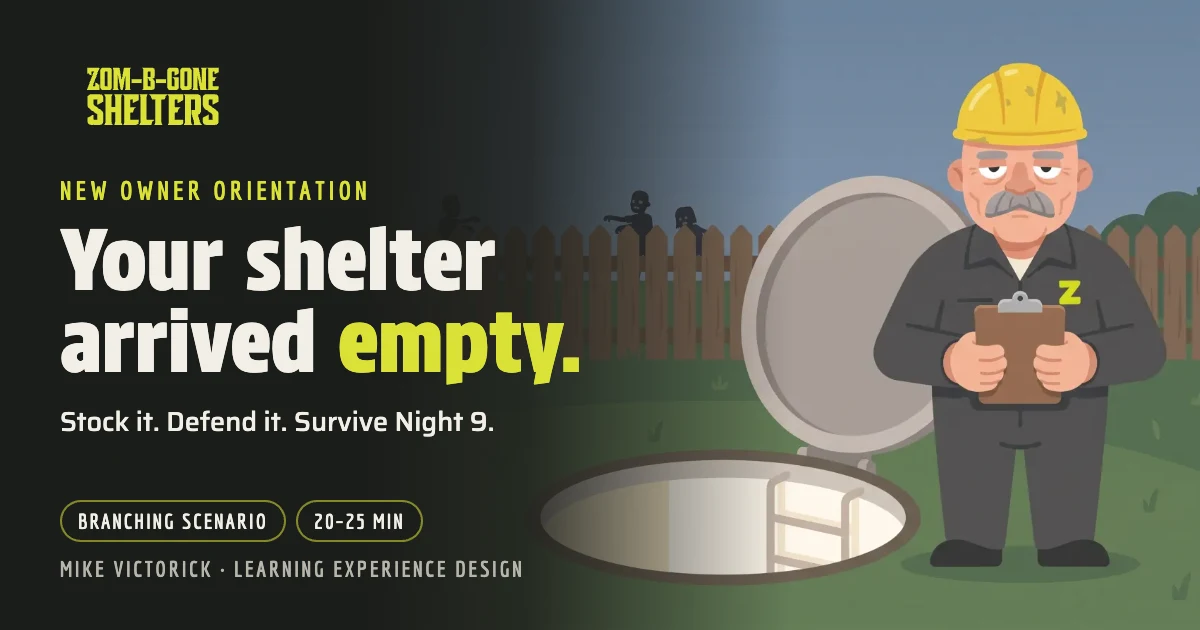
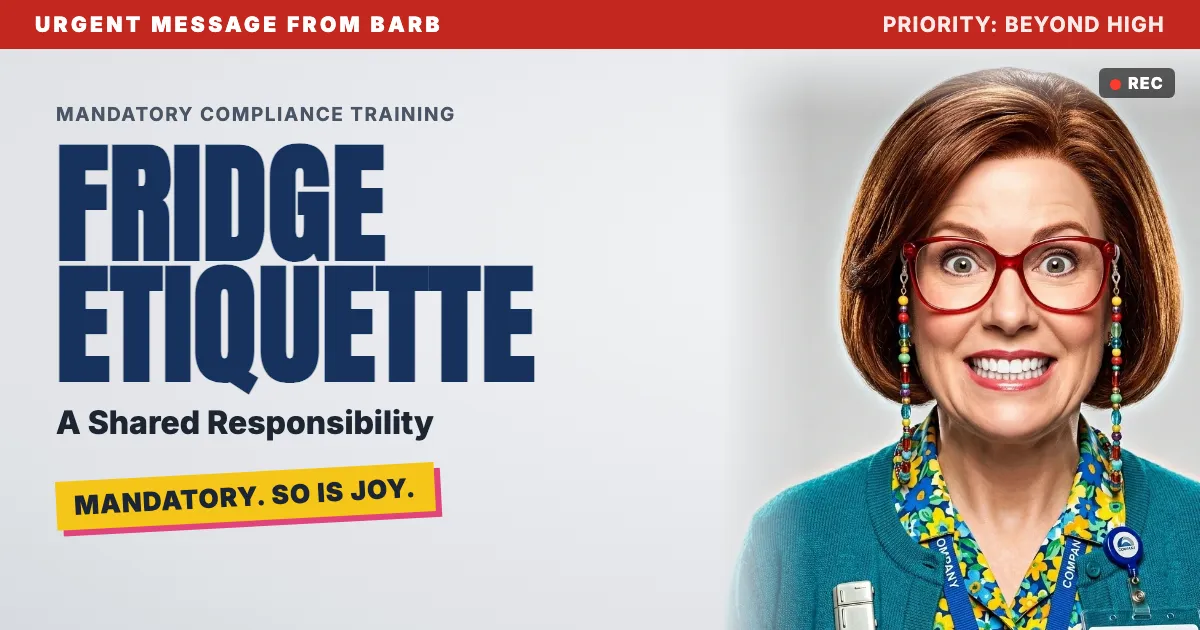
Each one covers the business problem, audience, constraints, my role, approach, deliverables, evidence of impact, and what I learned. The original three case studies use recreated visuals and omit staff names and student information. The fictional leadership module uses district branding as a portfolio mockup. Select any image to enlarge it. Three interactive modules follow the case studies.

Case study

AI Adoption Training for District Educators

Business problem

A district mandate to build a foundation for AI adoption among educators. Staff had no shared starting point for using AI to reduce workload, and leadership needed a way to introduce it at scale.
Recreated sample
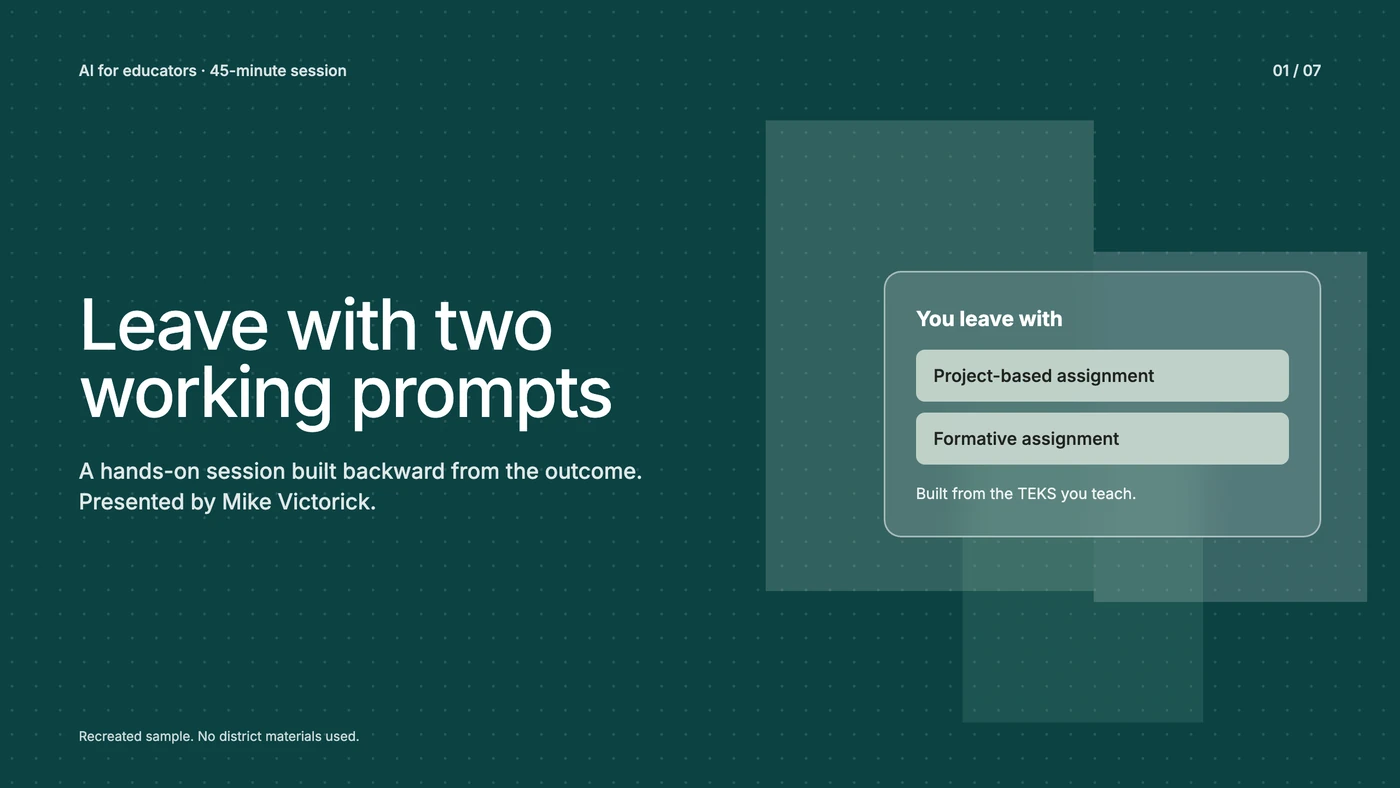
Title slide: Leave with two working prompts.Enlarge
Deck, slide 1. Recreated sample.

Audience

District-wide and mixed: classroom teachers across grade levels and subjects, school administrators, and district instructional leadership.

Constraints

One 45-minute session. No advance information about attendees' subjects or AI experience. No built-in follow-up time. The content had to work for complete beginners and advanced users in the same room.

My role

Sole instructional designer and facilitator. I hold SchoolAI's Educator Certification (Level 2). The district approved the session from my brief, and I produced the design, content, and delivery myself.

Approach

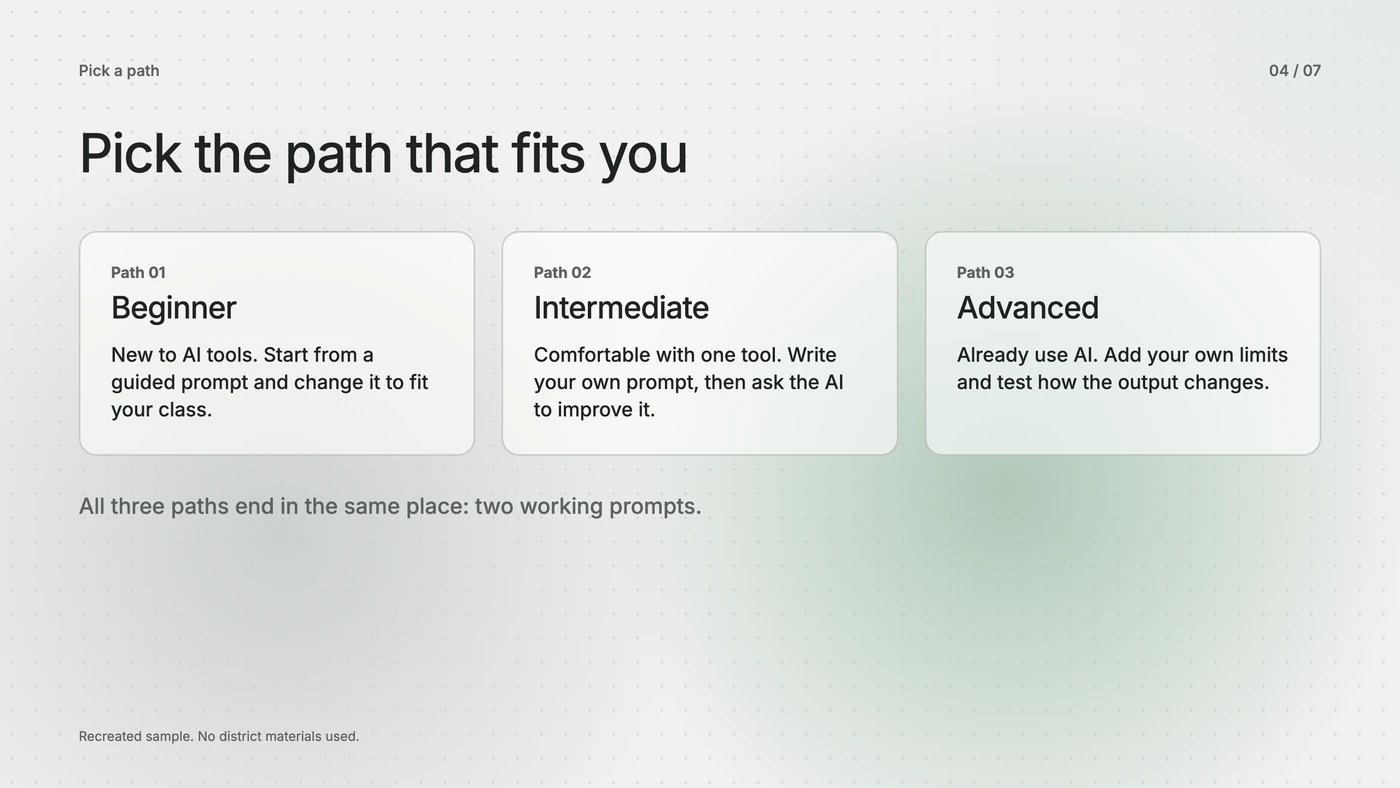
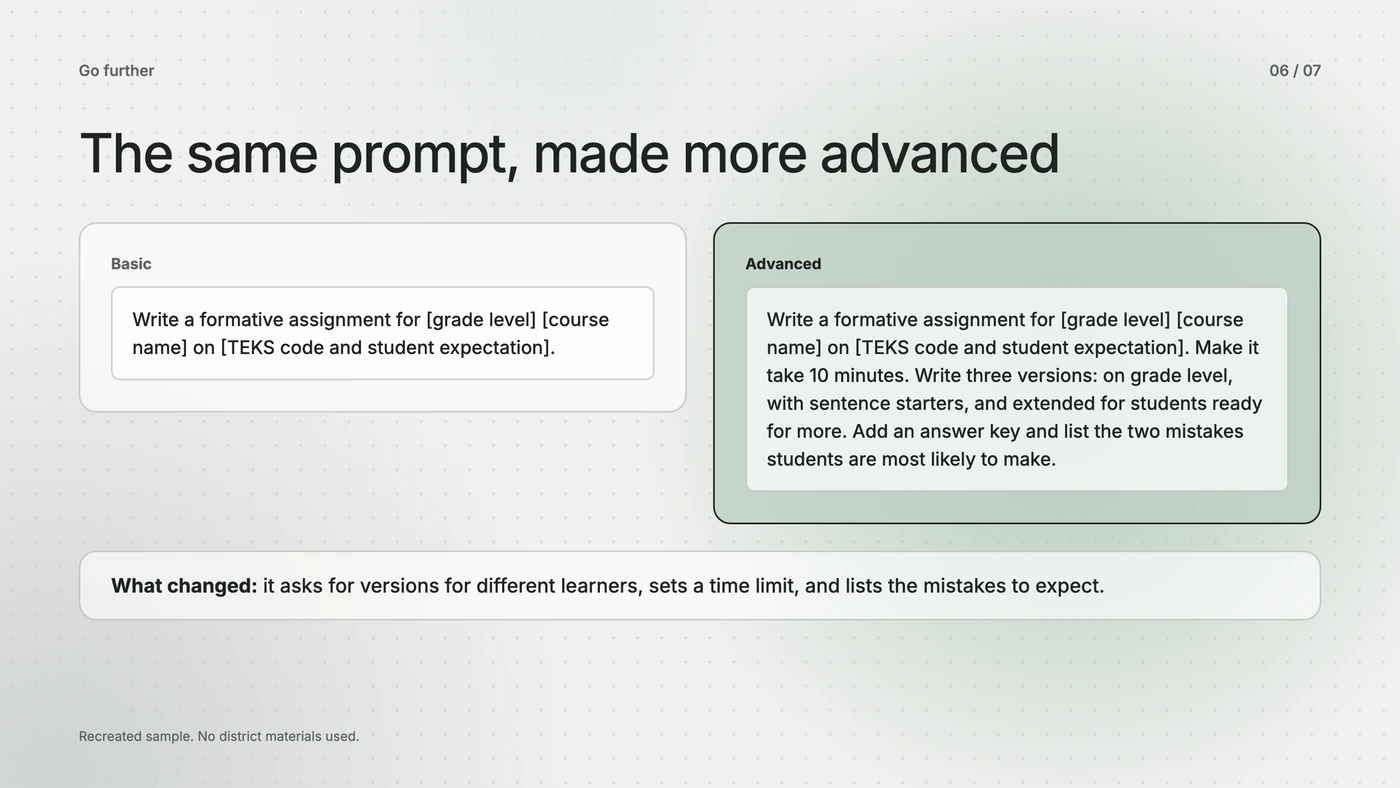
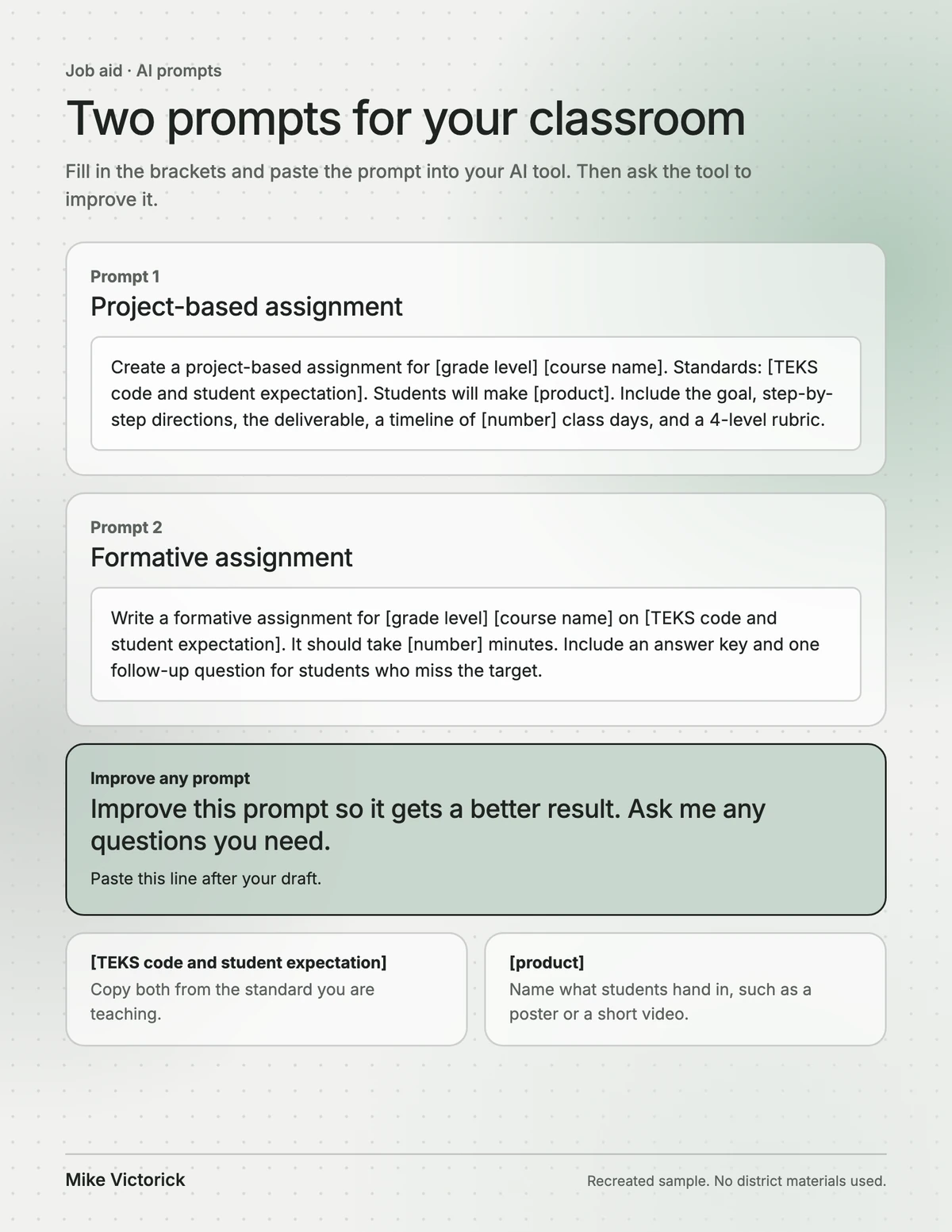
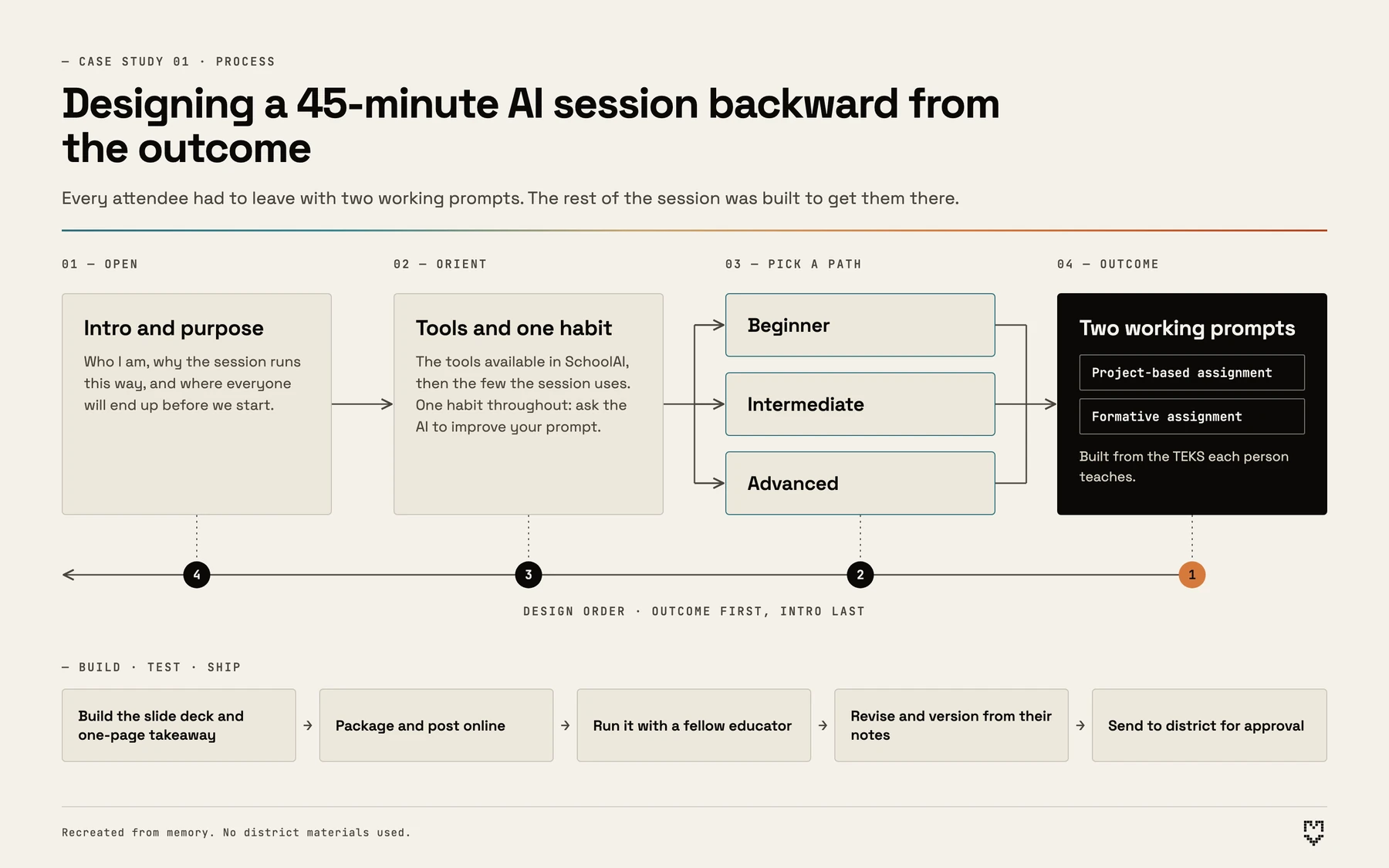
I used backward design, starting from one outcome and building everything else to reach it: every attendee leaves with two working AI prompts built from the TEKS they teach, one for a project-based assignment and one for a formative assignment. To differentiate for a room with no shared starting point, I built a three-path structure (beginner, intermediate, advanced) that let people enter at their level while ending at the same outcome. I taught one transferable skill, prompting the AI to improve its own prompt, so the learning outlasts the session. I piloted the session with a fellow educator, revised from their notes, and got it approved by the district.
Recreated from memory
Process diagram. The session was designed backward: outcome first, intro last. Open, orient, pick one of three paths, and finish with two working prompts.Enlarge
Process diagram: the session designed backward from the outcome.

Evidence of impact

I followed up individually with attendees using the sign-in sheet. Most reported using at least one AI-assisted workflow within the week, and the feedback was strongly positive. The district's lead media specialist also sought me out afterward to say the session was practical. I did not run a formal survey, so these are reports I heard directly.

What I learned

Designing for adults is a different job than designing for students. Adults often carry real apprehension about new technology, even when they use it daily. Running the session through with a peer before delivery showed me the value of outside review when you are designing for an audience you cannot fully see in advance.
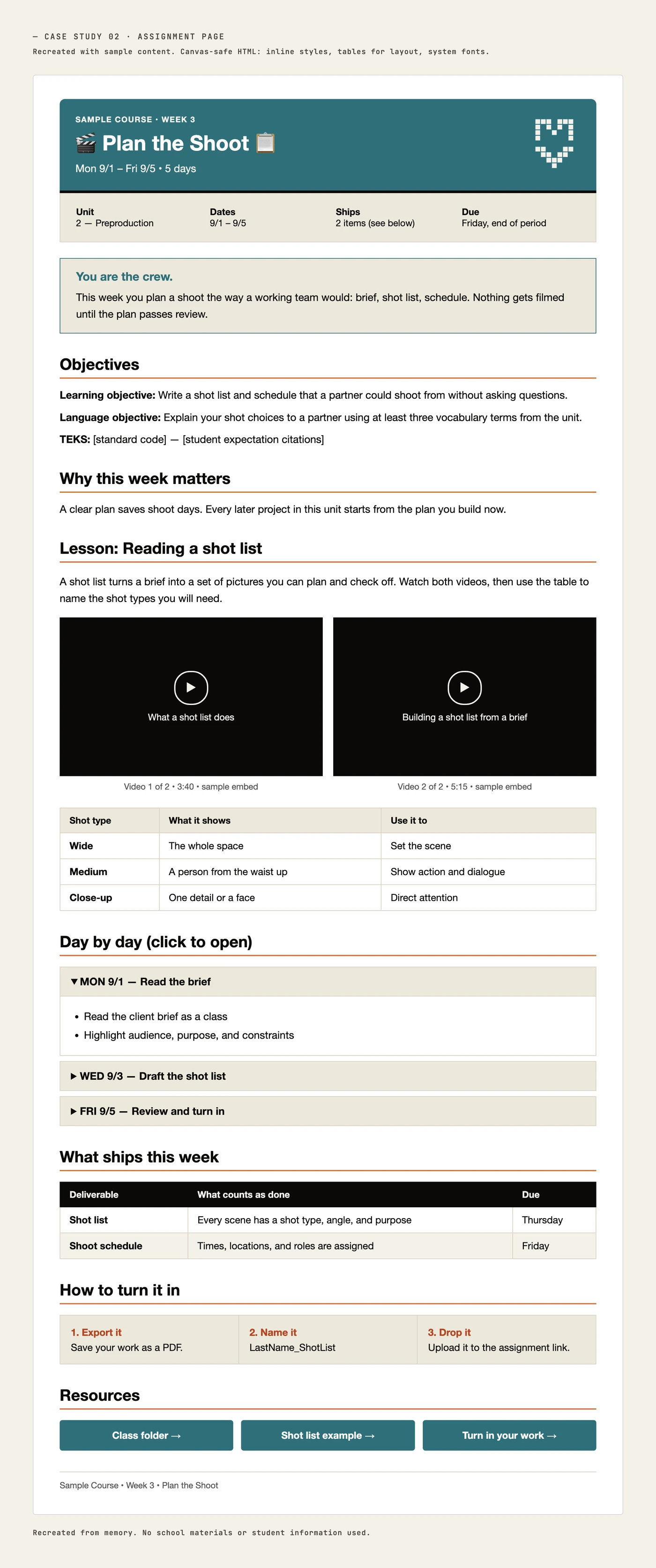
Case study

Canvas LMS Course Templates and Reusable AI Workflows

Business problem

Losing Canvas's built-in design tool removed any way to build course pages with a consistent instructional structure. Without a system, each teacher built pages individually, so students moving between teachers hit a different layout, a different placement of objectives, and a different assignment structure every time.

Recreated
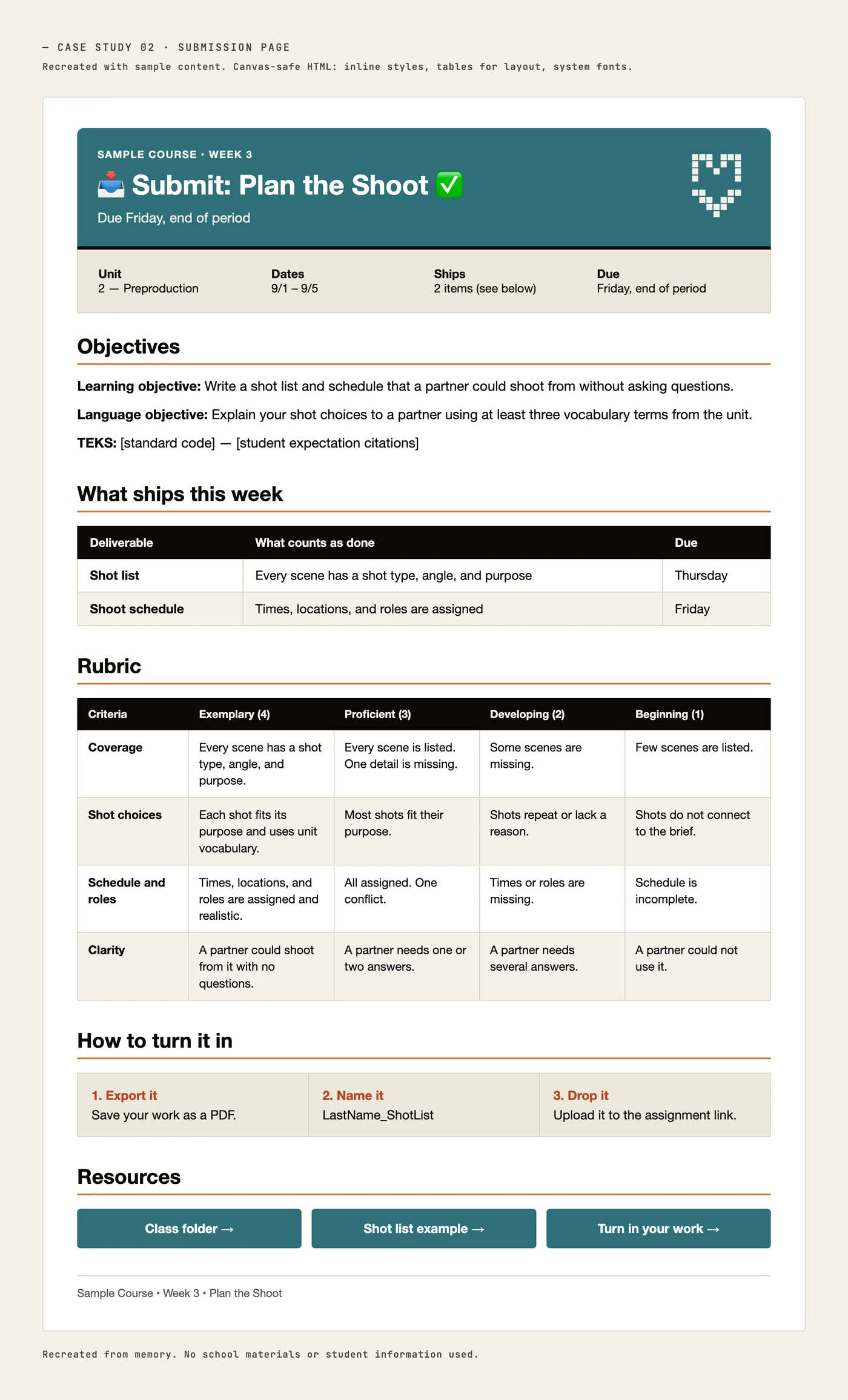
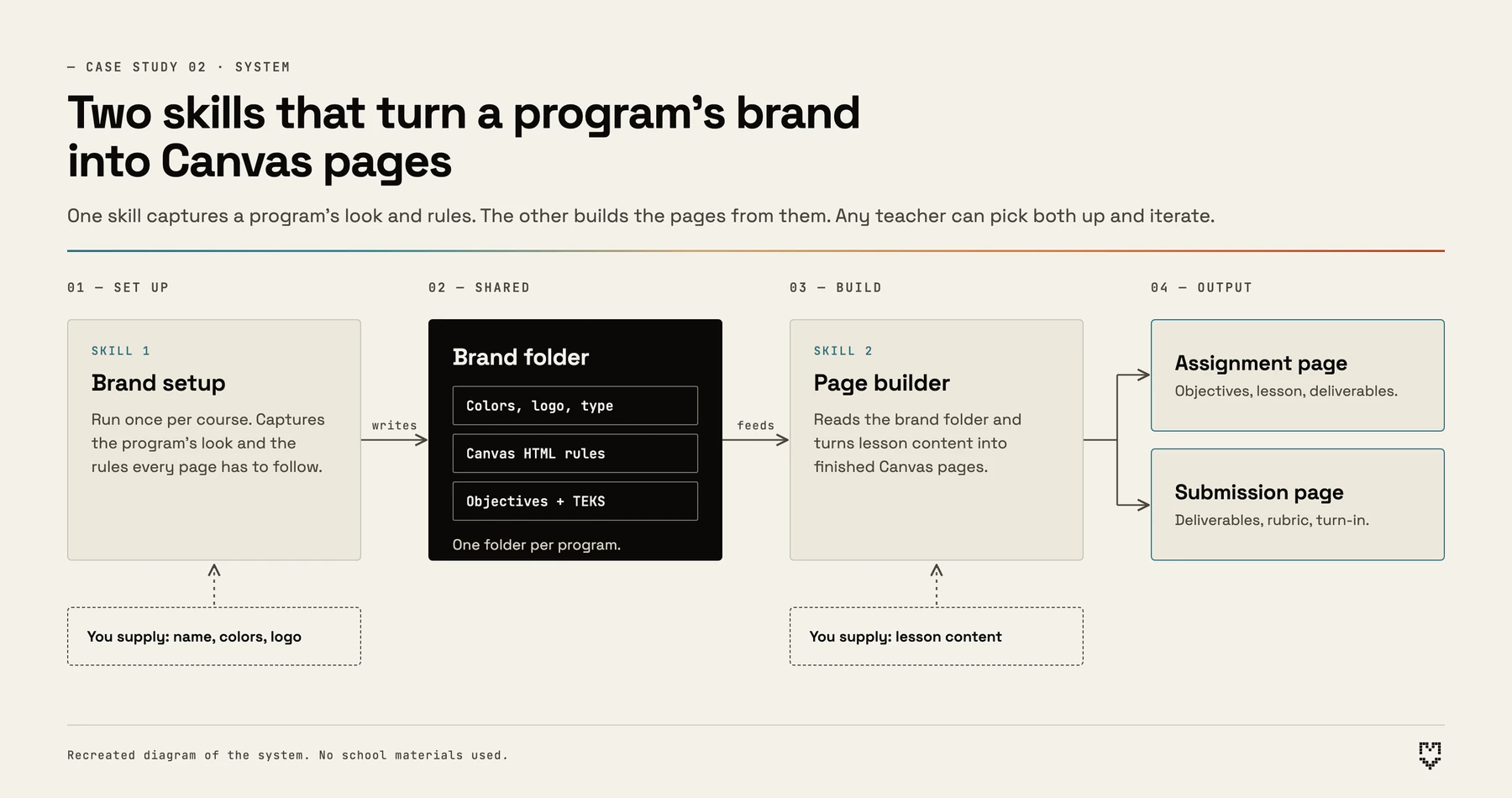
System diagram. Skill 1 sets up the brand folder. Skill 2 reads that folder and builds an assignment page and a submission page.Enlarge
System diagram: two skills that turn a program's brand into Canvas pages.

Audience

Three teachers piloting the system and giving ongoing feedback, plus other teachers across the district who saw it and adapted it with their own AI tools, with mixed results.

Constraints

Canvas allows HTML but not CSS, so the templates had to be built from structural HTML. That is a real barrier for teachers who are uncomfortable with code, since any edit risks breaking the layout. I also had to work around district media policy and use the district's designated video system instead of direct embeds.

My role

Fully self-directed. I identified the efficiency and systems gap myself and took ownership of solving it without being assigned.

Approach

I used AI to build a program-specific brand system, giving it Canvas's allowed HTML structure and each module's required elements (objectives, TEKS, standard lesson-planning components). I standardized on two reusable page templates, an Assignment Page and a Submission Page, so objectives, TEKS, and expectations land in the same place and order on every page regardless of who built it, giving students consistent scaffolding across a program taught by different teachers. I packaged the process into two modular AI skills: one that sets up a course's brand and folder structure, and a second that uses that structure to generate standardized pages. That made the system self-service for other teachers.

Evidence of impact

Of the pilot group, one teacher has made the system their core workflow. One adopted it and adapted it into their own version for building Canvas pages. One is still working through it with my direct support, which has given me a real case study in adoption barriers for less tech-comfortable users.

What I learned

People find uses for a tool beyond the problem it was built to solve, which is why I test across different users and situations instead of one scenario. Delivering a reusable tool also takes more than building it. Adoption needs ongoing support, not a handoff.

Case study

Just-in-Time Instructional Coaching: Closing AI Skill Gaps for School Staff

Business problem

Staff across the school kept hitting different walls with Gemini and other AI tools: prompting and iteration technique, building lesson handouts, staying under usage limits, and basic orientation. There was no structured training, so every skill gap had to be diagnosed and closed one person at a time, on the spot.

Recreated sample
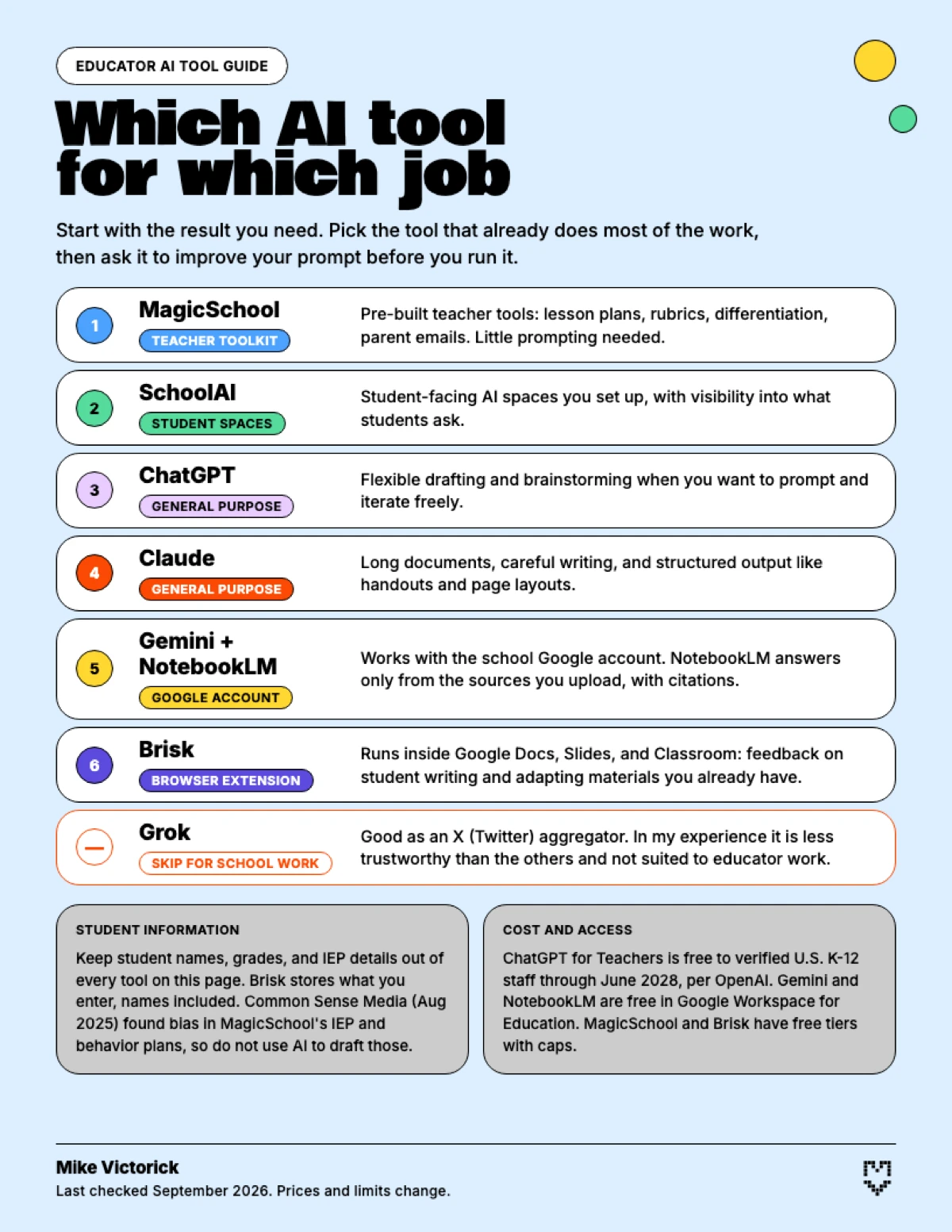
One-page guide titled Which AI tool for which job, listing MagicSchool, SchoolAI, ChatGPT, Claude, Gemini with NotebookLM, and Brisk with what each is best for, and Grok marked as one to skip.Enlarge
One-page AI tool guide for educators.

Audience

Five staff members in distinct roles (CTE lead, counselor, instructional coach, 9th grade English teacher, coach), each with a different use case and skill level.

Constraints

Requests arrived unscheduled, with only minutes available per person alongside a full teaching load. Each conversation started with diagnosing the problem, the person's skill level, and their learning style on the spot.

My role

Informal instructional coach, unassigned and solo. Colleagues sought me out directly after learning I hold Claude, SchoolAI, and MagicSchool certifications.

Approach

I ran a quick needs analysis on the spot: what outcome the person wanted, what they had already tried, and where their actual skill level was, since none of that was known in advance. I suggested a better-fit tool when the gap called for one. I guided with questions instead of taking over the task, and taught one repeatable, transferable move, describe the task and have the AI write the prompt, so the skill would carry into the next problem instead of just the one in front of us. I followed up later to check whether the skill had transferred or whether someone was stuck.

Deliverables

A one-page AI tool guide for educators: which tool fits which job (MagicSchool, SchoolAI, ChatGPT, Claude, Gemini with NotebookLM, and Brisk) and which to skip. It is built to send as a follow-up after a conversation.

Evidence of impact

Of the five staff I supported, four reached their goal. Two got there on their own after a check-in. Two got there with guidance, and one of those now asks me for further tips. The fifth asked for hands-on help with a workflow that spans several tools and procedures.

What I learned

Most instructional coaching happens outside a structured setting, with no agenda or slide deck to carry the conversation. Credibility comes from how well you know the tools.

Case study

Slide Deck Design Assistant: From Lesson Outline to Finished Deck

Business problem

Teachers build slides in whatever time is left after planning the lesson. AI slide tools are fast, but their output looks the same every time: a flat background, one accent color, boxes of equal size and no clear focal point. I wanted a way to go from a lesson outline to a designed, accessible deck without spending a conference period moving boxes around.

Sample output
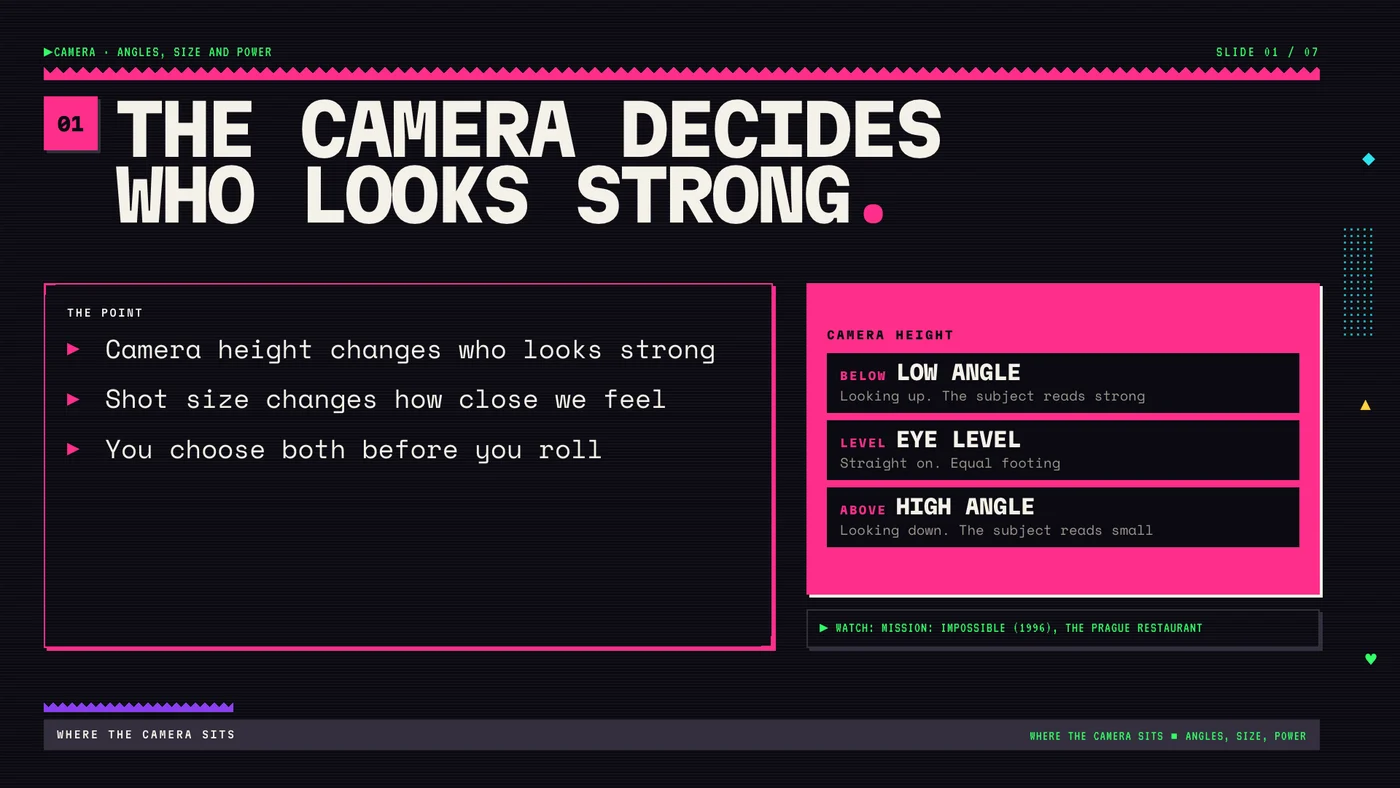
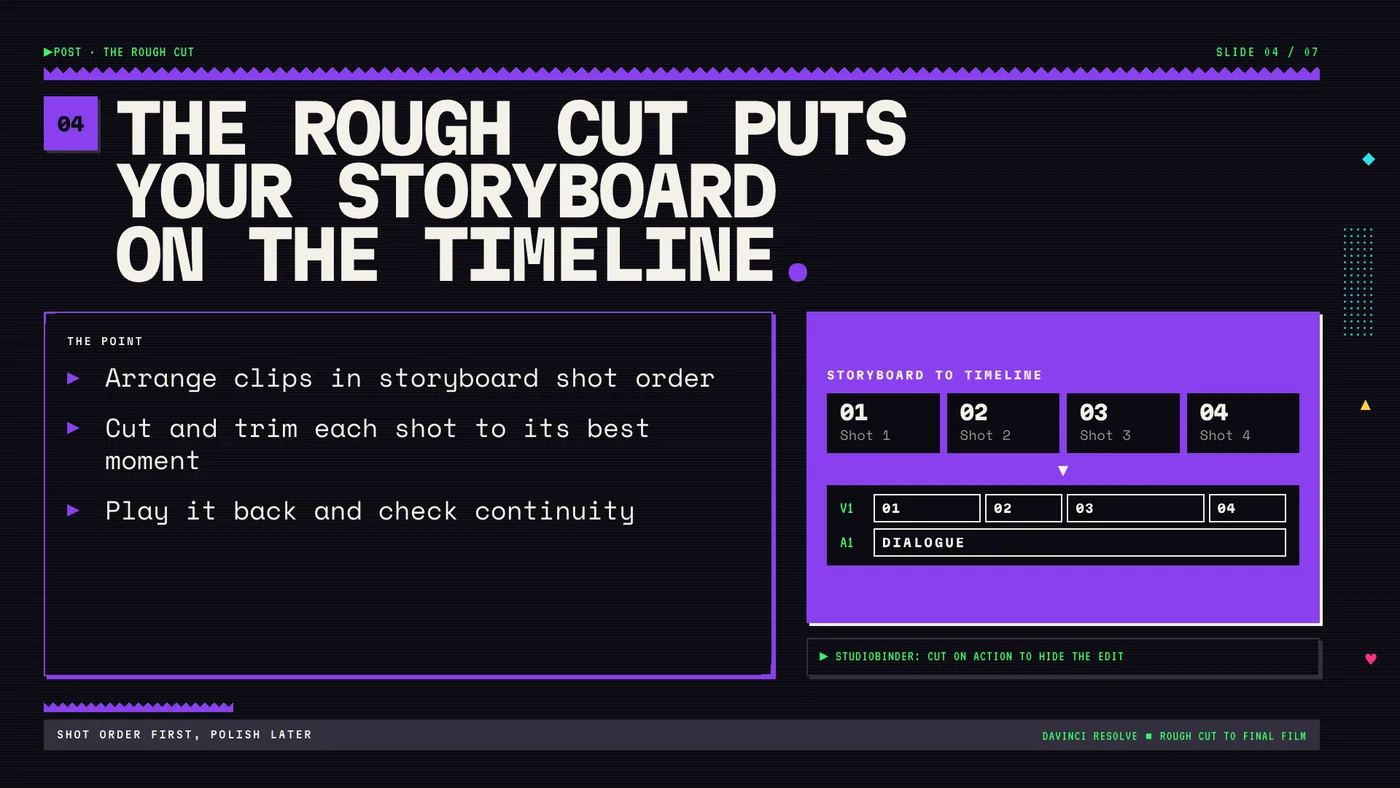
Slide 1 of the camera angles deck: The camera decides who looks strong. Three stacked boxes for low angle, eye level and high angle.Enlarge
Camera angles deck, slide 1. Built with the assistant.

Audience

Teachers who build their own slides. I am the first user: a high school AV production teacher with four preps.

Constraints

Decks have to open in PowerPoint and Google Slides, so the output is a PPTX and a PDF. Every slide needs alt text and speaker notes. AI image tools can't render reliable text, so every word on a slide has to be real type.

My role

Sole designer and builder. I built the assistant in Claude Code: the design systems, the layout rules and the QA checks. I write the lesson brief and approve the slide plan before anything builds.

Approach

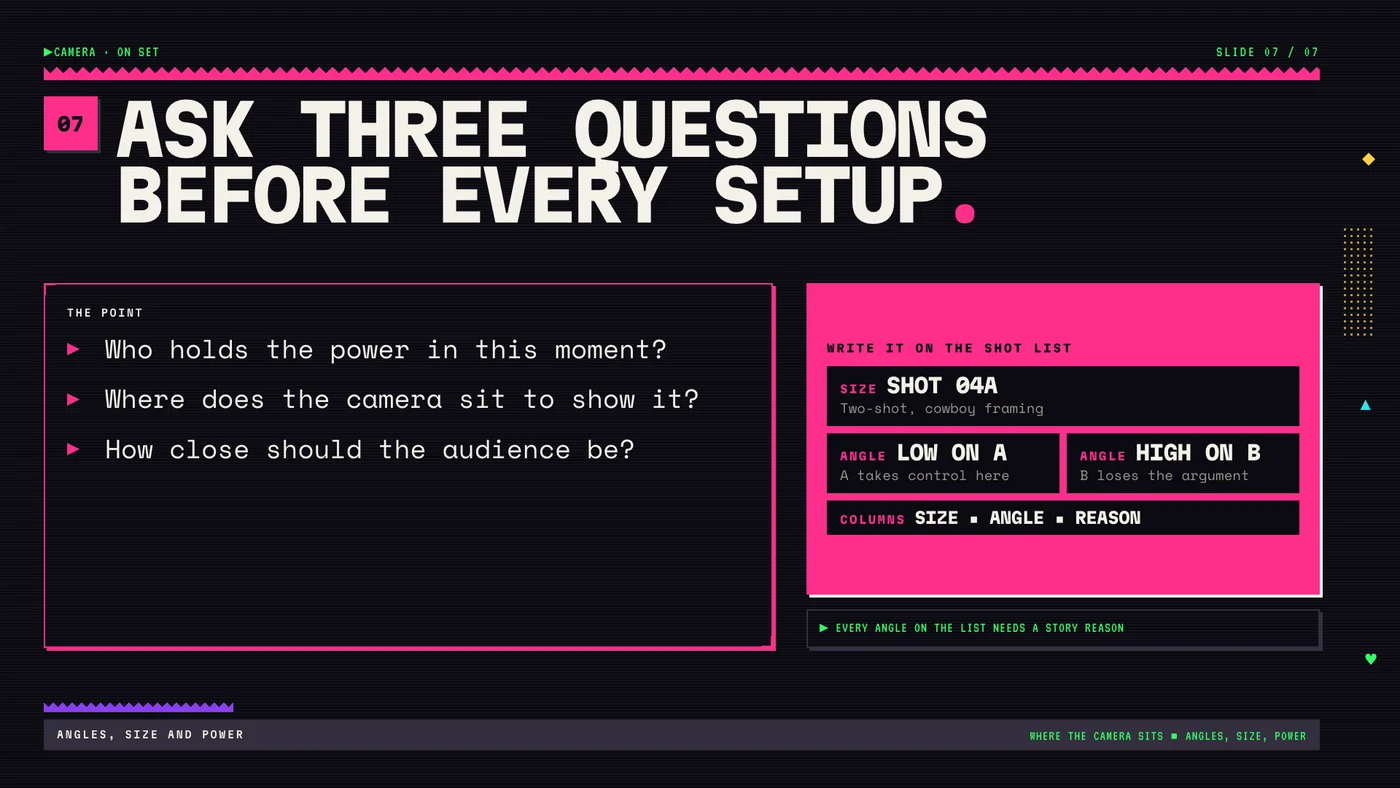
I listed what makes AI graphics look generic and wrote a check for each one. The assistant works from a library of nine design systems, from a screenprint look to my school's Falcon Studios brand. Each system has its own recurring marks and a list of things it never does. For each slide it picks a layout before writing any markup, builds the slide in HTML, renders it and runs a QA script that measures layout uniformity, type scale, focal point, accent use and contrast. A failing slide gets rebuilt, up to three tries. After that it stops and tells me what is wrong, and it never loosens a threshold to pass. Every number on a slide has to come from my brief, and film and source facts are tagged in the speaker notes. Finished slides export to PPTX with alt text and speaker notes attached, plus a PDF.

Evidence of impact

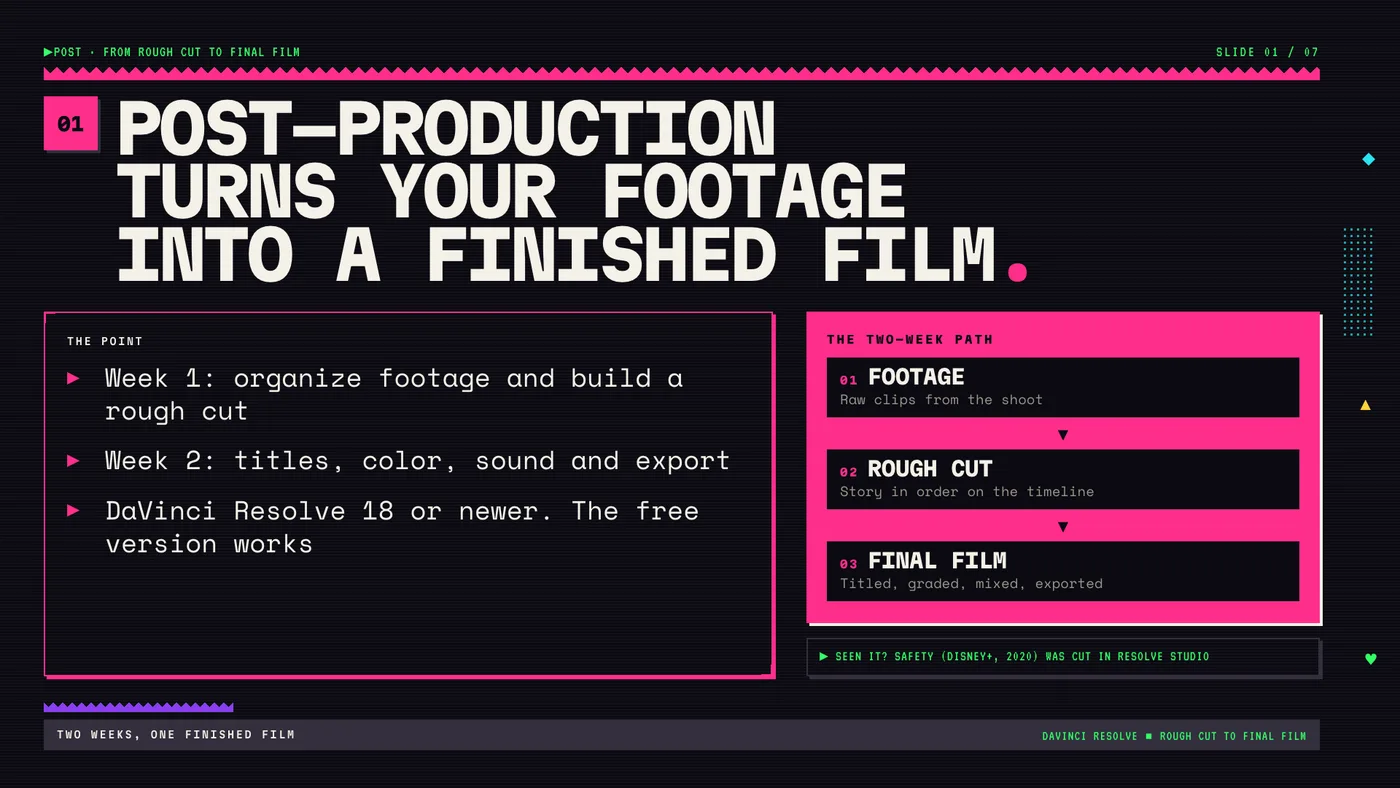
Two seven-slide lesson decks so far, and all 14 slides pass every QA check. On the DaVinci Resolve deck, four slides failed the first pass because the titles were too small to anchor the slide. On the camera angles deck, four failed because single words were wrapping onto their own line. Both were fixed and passed. Neither deck has been taught yet.

What I learned

A design rule only holds if something checks it. Writing the checks took longer than writing the style guides, and the checks are what keep the slides from drifting back to generic.

Interactive modules

Three courses you can try in the browser

Each page embeds the live course with its case study below.

Graduate capstone

The research behind the work

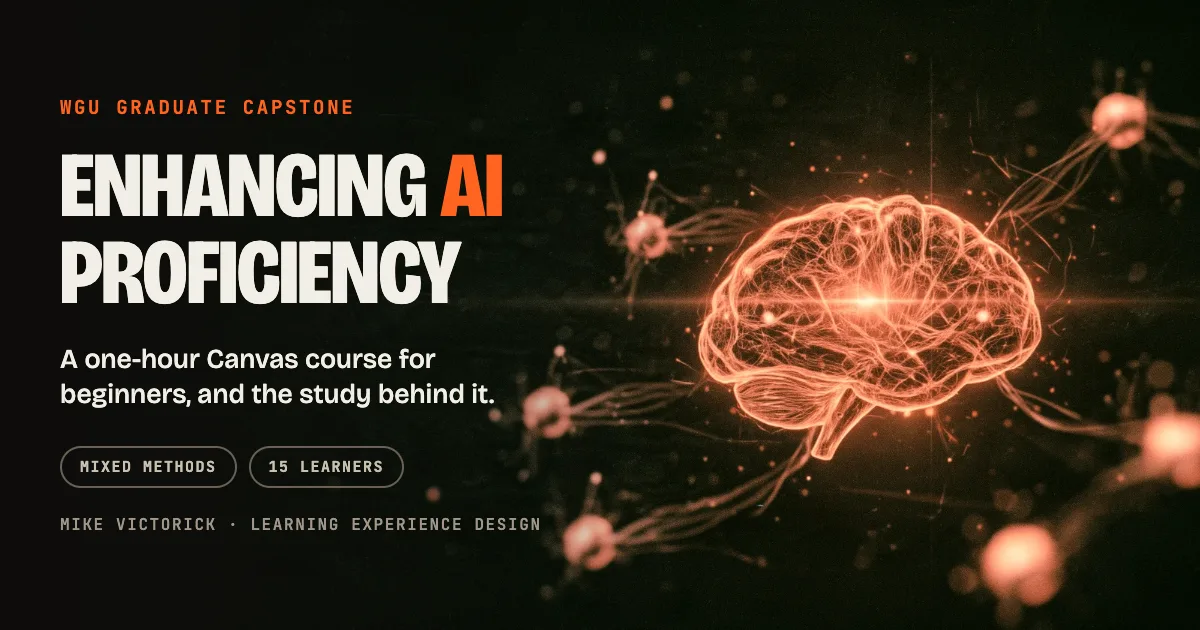
My WGU capstone: a course I built and the study I ran on it.

WGU capstone

Enhancing AI Proficiency

A one-hour Canvas course that teaches AI basics to adults with basic digital literacy, and a mixed-methods study of 15 learners. Average assessment score 78.57%, usability rated 4.06 out of 5, and a redesign built from what the survey showed.

Read the case study

Skills and tools

What I work with

Skills

Design and delivery

  • Backward design
  • Course builds in an LMS
  • Facilitation for adult learners
  • Technology adoption support
  • AI workflow and prompt design
  • Structured HTML for LMS pages
  • Job aids and quick-reference guides

Tools

What I build with

  • Canvas LMS
  • Claude, ChatGPT, Gemini and NotebookLM
  • MagicSchool, SchoolAI, Brisk
  • HTML/CSS/React
  • Adobe Creative Cloud
  • DaVinci Resolve
  • Genially
  • Camtasia
  • Canva

Credentials

Certifications

  • AI Fluency for EducatorsClaude
  • AI Educator, Level 4MagicSchool
  • Image Generator courseMagicSchool
  • Educator Certification, Level 2SchoolAI

Contact

Open to Learning Experience Design and Customer Enablement roles

mike@mikevictorick.com