Case study
Enhancing AI Proficiency: An Interactive Course for Learners with Basic Digital Literacy
Business problem
Many working adults can use a laptop and a phone but have never used AI at work. They know it matters. They don't know how to prompt it, when to trust it, or where it fits in their job. I built a one-hour course to close that gap and studied whether it worked.
 Enlarge
Audience
Working professionals, educators, and students, roughly 20 to 50. Comfortable with Microsoft Office, minimal AI experience, and motivated by the job market. They want practical use, not theory.
Constraints
- One hour of seat time, self-paced, delivered in Canvas.
- Learners range from "never opened ChatGPT" to "solid foundation," so the course had to work for both.
- 15 participants, adults 18 to 40, recruited through the WGU_Education subreddit. Data was collected anonymously.
My role
Sole author. I wrote the problem analysis and literature review, designed and built the course, ran the study, and analyzed the results.
Approach
I compared three solutions: a full online course, a short bootcamp, and self-paced microlearning. I chose an interactive online course because it could cover AI basics, tool practice, and decision-making in one place, which microlearning could not do.
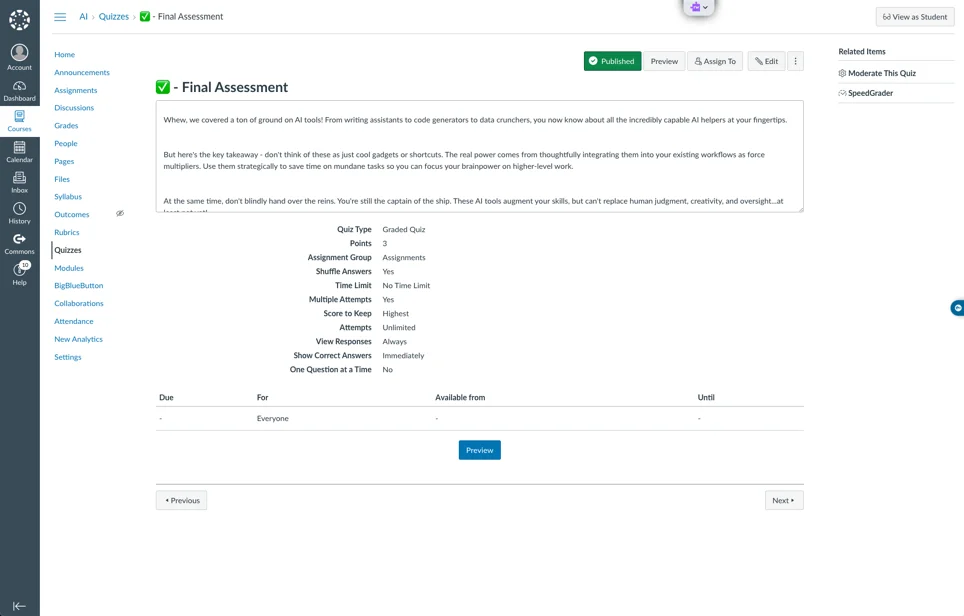
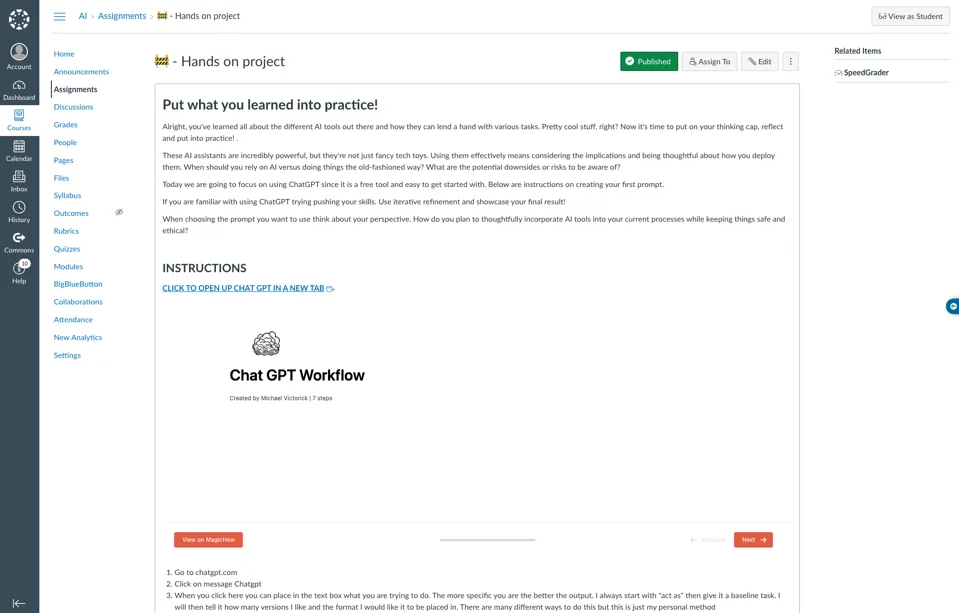
The course has three goals, each with its own assessment. Learners explain core AI concepts (5-question quiz), use AI tools on a real task (a hands-on project where they write a prompt and submit the result), and judge when and how to use AI in their own work (scenario questions and a summative quiz).
Mixed learner levels shaped the design. The course opens with AI fundamentals so everyone starts from the same place. Each tool is introduced with a screen recording and a step-by-step guide. Learners who already know the tools can use linked resources to take on harder tasks.
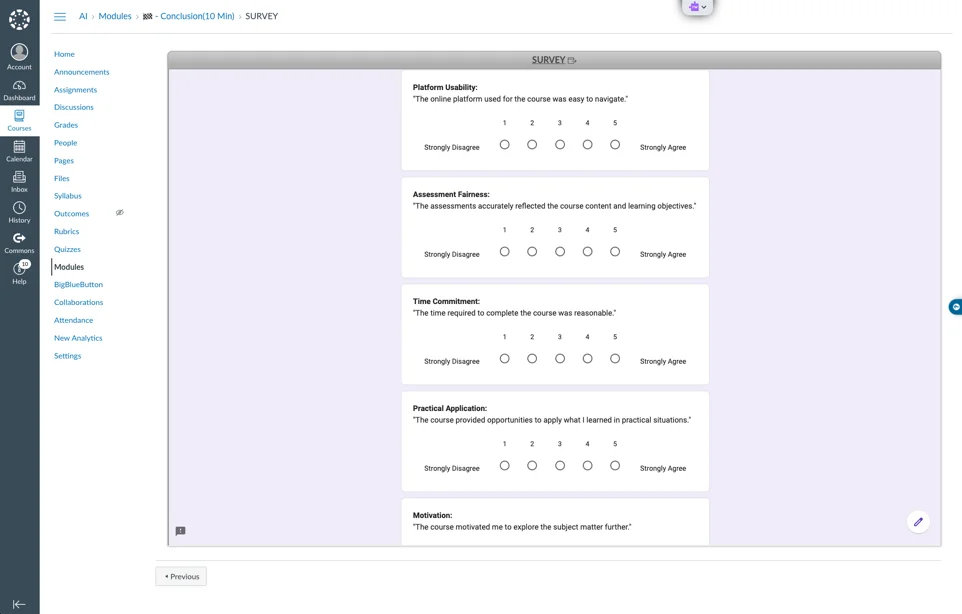
To measure it, I used Canvas pre and post assessments, a 20-item Likert survey, and 10 open-ended questions, all collected through Canvas and Google Forms. Two research questions drove the study: how learners rated usability and engagement, and how much their practical AI skills improved.
 Enlarge
Deliverables
- One-hour Canvas course, "AI in Digital Literacy," with videos, quizzes, a hands-on project, and a final assessment
- Problem analysis, solution comparison, and literature review
- Research design: two research questions, a pre and post assessment, a 20-item Likert survey, and 10 open-ended questions
- Results analysis with charts and thematic coding of learner comments
- Proposed second iteration of the course, based on the findings
Evidence of impact
This was a small study of 15 learners, so these numbers describe this group and nothing wider.
- Average score on the course assessments was 78.57%. 40% of learners scored 100%, and 13.33% scored below 70%.
- Platform usability and course improvement both averaged 4.06 out of 5. Survey categories ranged from 3.56 to 4.06.
- Engagement (3.63) and interaction (3.56) scored lowest. Open-ended comments said the same: learners wanted more hands-on practice and real-world cases.
- Typical comments: "I did not expect to understand this content, but I did," and "I wasn't expecting to learn a lot but learned I can use it a lot, even as a stay at home mom."
What I learned
Learners found the course clear and easy to use, and the survey told me where it fell short: not enough interaction. That drove the redesign I proposed. It adds instant feedback and auto-grading on practical work, clearer quiz directions such as "Select all that apply," a longer course with slower pacing, and Canvas discussion boards so learners can share their prompts and results with each other.